Performance Problems Are Architecture Showing Up as Timing
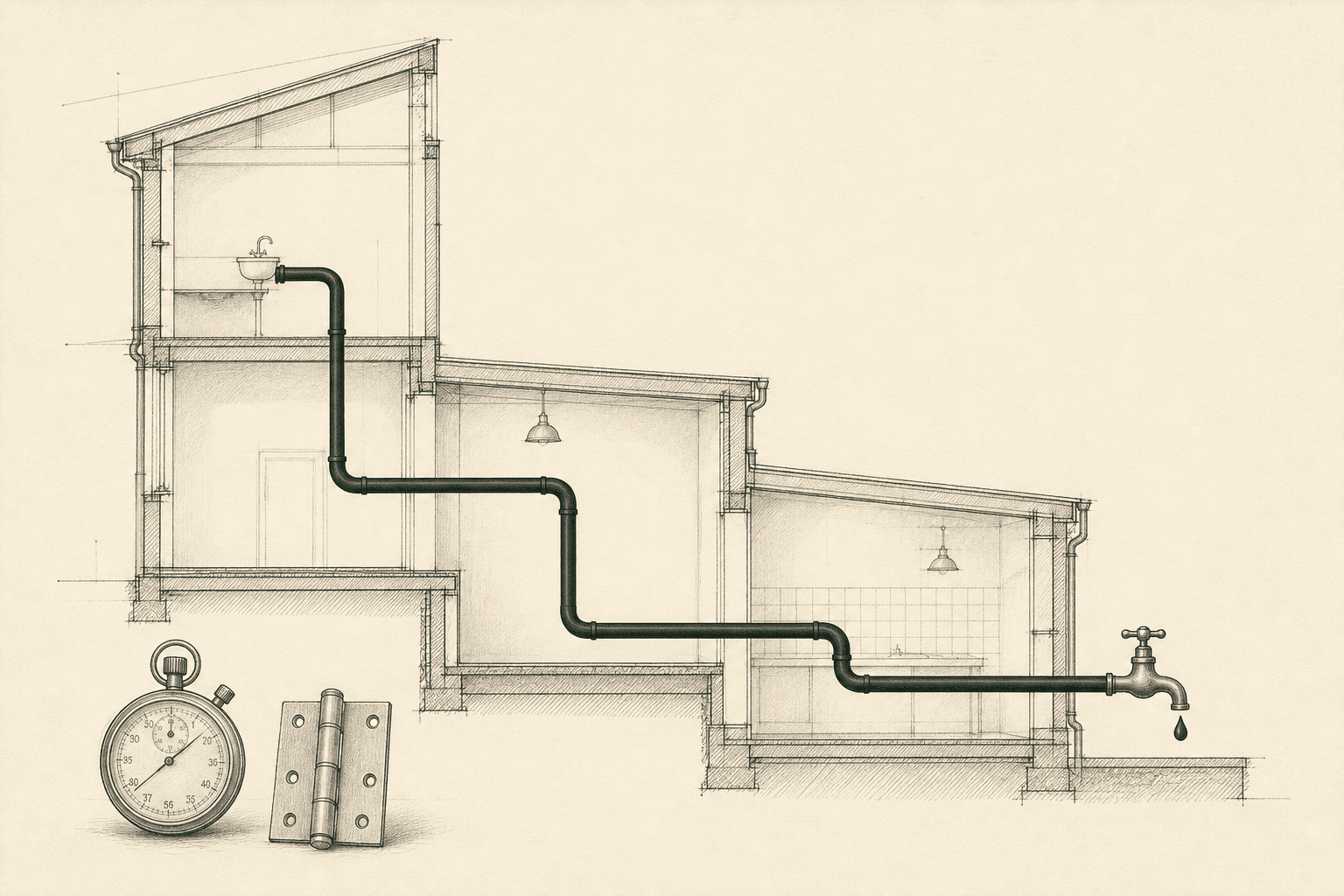
A page is slow. The first instinct is to look for something you can optimize.
Reduce the JavaScript bundle. Memoize a component. Add a cache. Rewrite a query. Those are the changes that look like performance work in a pull request, and they are sometimes the right ones.
They are also a reliable way to spend time making the system slightly faster at doing work it did not need to do.
The milliseconds are real. They are usually architecture showing up as timing.
Diagnose before you optimize
When I look at a slow path, I want four answers before I touch the implementation.
Caption: The order I actually use. A waterfall is a "now" problem. Client-side work is a "here" problem. Caching and personalization are "for this request." Removing a fetch is "need to exist."
Making the existing work faster comes after those four answers are yes.
That is the whole method. If any answer is no, you are looking at a design problem that will keep reproducing itself after the query is tuned. I fill the answers from a trace and from field data, not from code that looks inefficient. Follow one request the way I described in The first hour in someone else's codebase. The code will tell you the intended work. The running system will tell you whether that work needed to be there.
Does this work need to exist?
A lot of what shows up as slowness is work nobody would specify if they were designing the path today.
A client refetch of data the server already had. A transformation that runs for every user when it could run once. A dependency that exists because of a choice made years ago. A shared API that returns a wide payload because a second consumer needed extra fields, and now the browser walks the whole thing to render a small piece.
You can make any of that faster. The better move is often to stop doing it.
Applications rarely become slow overnight. A provider lands near the root. A fetch moves to the client. A cache gets disabled because invalidation was painful. A loading sequence becomes sequential because one feature needed a value from another. Each decision was probably reasonable the week it shipped. The accumulation is what the user feels.
If the work does not need to exist, the rest of the questions do not matter. You are done.
Does it need to happen now?
Imagine a page that needs three pieces of data. Request A finishes before B can begin. B finishes before C can begin. Each call is fine on its own. The page is still slow.
Next.js is explicit about this. Sequential fetching is what you get when one request depends on data from another, and it is also what you get, accidentally, when two independent awaits sit one after the other in the same component. Layouts and pages can start in parallel. Inside a component, the awaits still run in order unless you start them together.
The waterfall shows up in a trace as spans that do not overlap: a critical path that is the sum of the calls instead of the longest one. Shaving time off A does not help if B cannot start until A returns, and C is waiting on B.
So the diagnostic is not "are these APIs slow?" It is "does B actually need A's result, or did the code happen to be written that way?" If the dependency is real, sequential is correct. If it is not, you have a "now" problem: the work can exist, it just does not need to wait.
The same question covers a fetch that starts after render. The work may be necessary. Starting it that late is a composition choice.
Does it need to happen here?
"Here" is the server, the browser, or the repository you happen to have open.
When a JavaScript bundle is too large, the bundler is the obvious place to look. Tree shaking and code splitting drop unused exports and defer chunks. They do not answer why that code was in the client graph to begin with.
In the App Router, "use client" is not a performance hint. It declares a boundary between the server and client module graphs. Once a file is marked, all of its imports and the components it directly renders go into the client bundle. React's own docs say the same thing: the directive marks the module and its transitive dependencies as client code. Server Components passed as children are the exception. They are not imported into that graph. They arrive as rendered output.
A high-level component marked client because one control needed a click handler can pull a surprising amount of the page across the boundary, one import at a time. A shared library that looks cheap on the server becomes a download the moment it crosses. Data that only existed to produce HTML gets serialized into props and sent to the browser, where it is public.
The bundler is implementing the boundary you drew. Moving the boundary is usually the cheaper fix.
"Here" also crosses team lines. The frontend waits on an API. The API waits on another service. Each team can make its layer look healthy. The person using the product still waited for one request. OpenTelemetry defines a trace as the path a request takes through an application, including across process boundaries. Next.js can emit those spans. Optimizing the repository you own is a local maximum if the wait lives somewhere else.
Does it need to happen for this request?
Teams ask what to cache. The question underneath is who the work is for.
Next.js will store a result so the next request does not do the work again. That only helps if you can name what "the same data" means. cacheTag exists so you can invalidate some entries without touching others. If unrelated data was fetched together, they share a fate. If a page depends on request-specific data at the top of the tree, you lose the chance to keep the rest of it in a static shell.
HTTP caching has always been this decision. RFC 9111 distinguishes responses that a shared cache may store from those marked private to a single user. The header is a claim about who the bytes are for.
Rendering is the same match. Static generation, server rendering, streaming, client rendering: the framework will do all of these. Next.js 16's Cache Components model prerenders a static HTML shell and streams the rest. A marketing page and a personalized dashboard do not have the same consistency needs. A navigation shell does not need to wait on the cart. If cookies or uncached data are read outside a Suspense boundary, you can force work that could have been cached to wait on work that cannot.
If the work does not need to happen for this request, cache it, prerender it, or reuse it. If it does, stop pretending a cache will save you, and go to the last step.
When the answers are all yes
Sometimes the work does need to exist, now, here, for this user, and it is still slow. Then you rewrite the query, add the index, split the chunk. Architecture talk is not a reason to ignore a missing index. It is a reason to check that the index is on the path that actually determines latency.
Core Web Vitals measure loading, interactivity, and visual stability as the person experienced them, at the 75th percentile of real visits. A component that rerenders often may not be on the critical path. A query that looks ugly may finish in a few milliseconds. A clean data layer may still produce a long waterfall because of how the calls were composed. Do not let the shape of the code talk you into a performance change the runtime will not feel.
Skipping the four questions produces a different failure. Aggressive caching of mixed data creates invalidation problems that later look like "caching doesn't work here." Duplicating a payload removes a network hop and creates two sources of truth. Moving a tree into the client can make later navigations feel instant while the first load pays for all of it. Those are optimizations of work that should have been questioned first.
Run the diagnosis
On a slow path I fill this in before I change anything.
| Work | Need to exist? | Need now? | Need here? | Need per request? | Action |
|---|---|---|---|---|---|
| Client fetch after render | Yes | No | Maybe not | No | Fetch earlier, or on the server |
| Sequential independent fetches | Yes | No | Yes | Yes | Start them together |
| Large client dependency | Maybe | Yes | Maybe not | N/A | Remove it, or move the boundary |
| Repeated data lookup | Yes | Yes | Yes | No | Cache or reuse |
| Personalized request | Yes | Yes | Yes | Yes | Optimize the execution |
Caption: The last row is the only one where you make the existing work faster. Every other row is an architecture change that happens to show up as milliseconds.
The opening instinct was "how do I make this code faster?" That question is still useful. It is useful last.
Start with why the system needs to do the work in the first place. Then when. Then where. Then for whom. If you still have a slow path after that, the milliseconds are the actual problem, and you should go after them.
Thanks for reading.
More writing